
ICON IDRIVE Intelligent Constant Pressure Water Supply Controller User Manual, introduces the product's features and characteristics, user instructions, troubleshooting and so on.
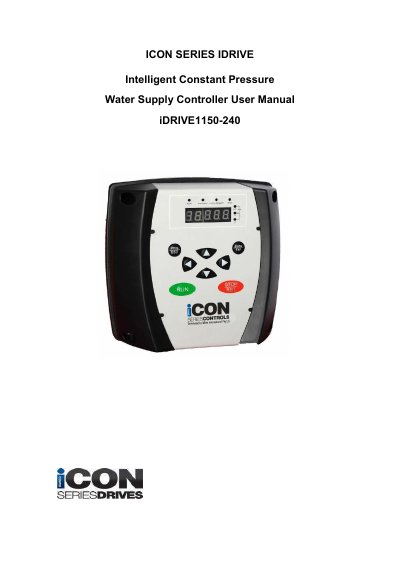
This manual covers the ICON iDRIVE B601B series intelligent constant pressure water supply controller. It describes product functions, the B601B model list, nameplate and external dimensions, main and control circuit wiring, keypad and indicator operation, parameter settings, typical application cases, fault troubleshooting, and maintenance.
It also lists safety precautions for installation and use, including warnings about dismantling, opening the cover during operation, earthing, and water exposure, plus cautions on qualified installation, matching specifications, and environmental conditions.
| B601B-2001 ratings | 1AC 240 V, 1.0 HP, 5.3 A, 0.75 kW |
|---|---|
| B601B-20015 ratings | Input voltage tolerance -15% to +15%, 1.5 HP, 6.5 A, 1.1 kW |
| B601B-2002 ratings | 2.0 HP, 9.6 A, 1.5 kW |
| B601B-2003 ratings | 3.0 HP, 14 A, 2.2 kW |
| Standard signal outputs | 4~20mA, 0~5VDC and 0~10 VDC |
The controller outputs 4~20mA, 0~5VDC and 0~10 VDC standard signals.
The factory default password is 65535.
The controller starts with failure and displays E022; connect a transducer and press STOP/RST.
The fan must be replaced when used up to 20,000 hours.