
User manual for iCON's Upod Nano USB audio interface with 2 mic/1 guitar inputs, DSP effects, and USB 2.0 connectivity.
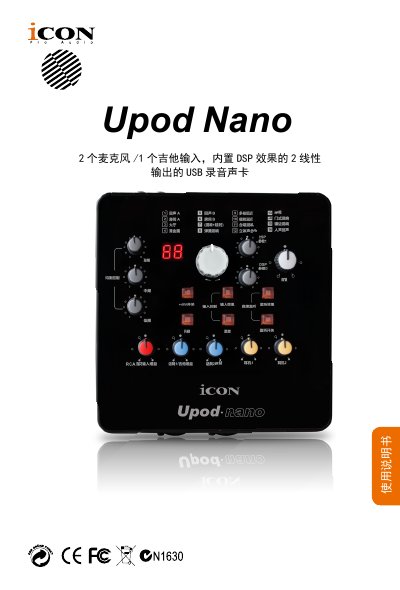
This is the user manual for the iCON Upod Nano USB audio interface, a 2-channel USB sound card with microphone and guitar inputs, DSP effects, and stereo outputs. It covers safety, front and rear panel controls, hardware connections, system requirements, technical specs, and warranty information. The device supports Windows and Mac OS, and includes a driver CD and USB cable in the package.
The manual provides detailed instructions for connecting microphones, guitars, and RCA inputs, adjusting gain and EQ, using phantom power, and configuring monitoring and DSP effects. It also includes technical specifications for input/output performance and warranty procedures for repairs. This manual is written in Chinese.
| Input Channels | 2 microphones / 1 guitar |
|---|---|
| USB Version | USB 2.0 |
| Output Channels | 2 stereo outputs |
| Phantom Power | +48V & 5V |
| DSP Effects | 16 types |
| Compatibility | Windows XP to 10, Mac OS X 10.5.5+ (Intel) |
It supports Windows XP to 10 and Mac OS X 10.5.5+ (Intel-Mac).
Yes, if used standalone, it requires a 5V/1A power adapter.