
N1630 User manual MIDI/Audio control surface with motorized faders for production
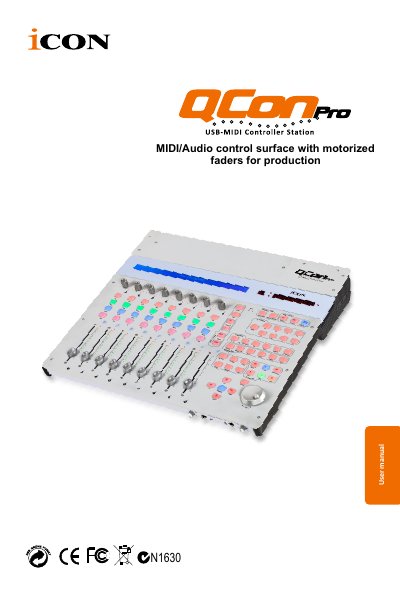
This user manual covers the ICON Qcon Pro, a MIDI/Audio control surface with motorized faders for production. It explains how to set up and use the Qcon Pro controller with DAW software on Windows and Mac OS X.
The document includes package contents, feature descriptions, top/front/rear panel layouts, getting started instructions, iMap software installation, firmware upgrade steps, connections, and full specifications.
| Channel faders | 8 touch-sensitive motorized |
|---|---|
| Master fader | 1 touch-sensitive motorized |
| Encoder knobs | 8 x dual function |
| Display | Large backlit LCD |
| Connectivity | USB 2.0 high speed |
| Expansion | Expandable to 32-channels with 3 Qcon EX units |
The package includes the Qcon Pro USB-MIDI Controller, an AC adaptor, a Software CD / User's Manual, a Quick Start Guide, and a USB2.0 Cable.
It has eight 100mm motorized channel faders and one 100mm motorized master fader.
It supports Cubase, Nuendo, Samplitude, Logic Pro, and Ableton Live with Mackie Control, and Pro Tools with Mackie HUI.