
The manual describes the appearance, main interface, intercom, call query, information service, video surveillance, system settings, and intelligent home functions of the digital indoor unit of the building intercom system.
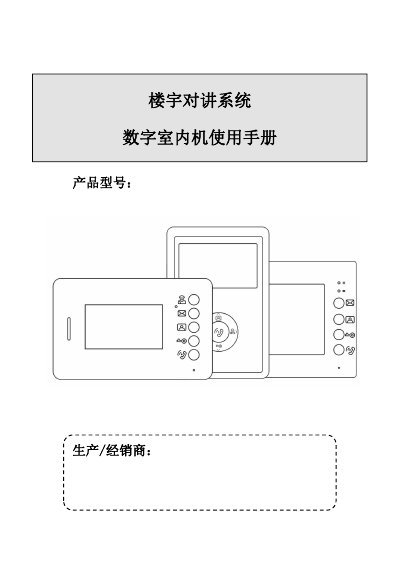
This manual covers the digital indoor unit for building intercom systems. It describes product appearance, main interface icons, and basic functions such as calling, monitoring, and unlocking.
It also includes instructions for call management, record queries, information services, video monitoring, smart home options, home security, system settings, quick mode switching, installation, technical parameters, dimensions, and fault troubleshooting. This manual is written in Chinese.
| Power supply | DC12V |
|---|---|
| Maximum power consumption | 4W (4.3 inch), 5W (7 inch), 6W (10.1 inch) |
| Network interface | RJ45 10M/100M |
| Installation method | Wall-mounted |
| Security alarm zones | 8 zones |
| Operating temperature and humidity | -10℃~55℃, 10%~95% |
| Display screen | 4.3 inch LCD (480*272), 7 inch LCD (800*480), 10.1 inch LCD (1024*600) |
The initial security password is 000000.
The initial user settings password is 000000.
The initial engineering settings password is 111111.