
Contacta STS-K015 Window Intercom System installation and user guide covering safety, components, installation, connections, amplifier setup, use, and…
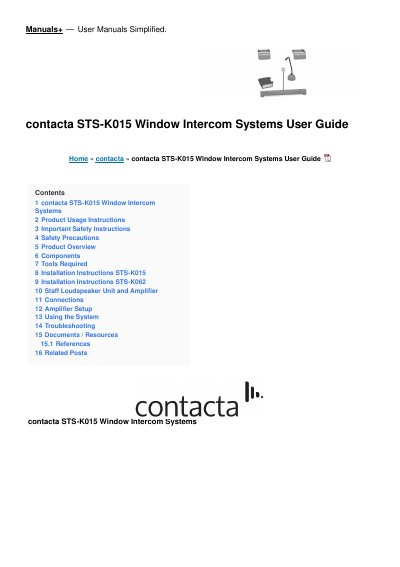
The Contacta STS-K015 Window Intercom System installation and user guide covers the STS-K015 along with the STS-K062 and STS-K058 models. It explains the system's use for communication through glass, security screens or similar barriers and notes the included hearing loop facility for hearing device wearers.
The document lists supplied components, including the A31H amplifier, overhead or surface-mount speaker, microphone, staff mic or loudspeaker unit, hearing loop aerial, power supply and mounting bracket. It provides safety instructions, required tools, installation steps for STS-K015 and STS-K062, connection and amplifier setup guidance, system use instructions and troubleshooting.
| Models | STS-K015, STS-K062, STS-K058 |
|---|---|
| Amplifier | A31H |
| Speaker type | Overhead speakers for K015 and K062; surface mount speaker for K058 |
| Microphone type | Straight stem microphone for K015 and K062/K064; bent vandal-proof microphone for K058 |
| Power supply | Supplied power supply only |
| Operating environment | Indoor use only |
No. The guide says to use only the supplied power supply to prevent damage.
Immediately turn off the power switch, disconnect the power plug from the power outlet, and contact your local dealer.
Refer to the Troubleshooting section first; if the problem is not resolved, contact your dealer, who will tell you what warranty condition applies.