
The 2.0 Channel Sound Bar with Dolby Audio 6100 Series User Manual introduces the basic functions and usage methods of Sound Bar, including setup, connection and operation.
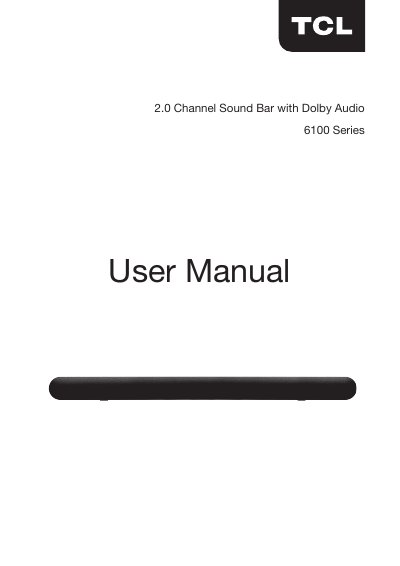
This user manual is for the TCL 6100 Series 2.0 Channel Sound Bar with Dolby Audio. It covers what is in the box, an overview of the Sound Bar and remote control, setting up the system, and mounting the Sound Bar on the wall, along with connections for HDMI, optical, 3.5mm audio, power supply, and Bluetooth devices.
It also explains using the Sound Bar with the top panel or remote control, sound settings, listening to music from a Bluetooth device, and using a USB cable or device. The manual includes a notice, declaration of conformity, disposal information, trademarks, FAQ, and specifications.
| Power adapter | AC~100-240V, 50/60Hz |
|---|---|
| Power consumption | 20W |
| Frequency response | 150 Hz-20 kHz |
| Dimensions (WxHxD) | 800x62x107mm |
| Weight | 1.8 kg |
| Impedance | 6 Ω |
| Max transmitting power | 13dBm |
| Bluetooth version | 4.2 |
Make sure the AC power cord and AC input connector are connected properly, there is power supply, and the Sound Bar has turned on.
Make sure the audio cable is connected to the Sound Bar and your device, the correct source is selected, the volume is increased, and the Sound Bar is not muted.
Make sure the correct source is selected, the distance is within operational range, and the battery is correctly inserted and working.
Press to select the Bluetooth function, then press and hold to enter the pairing mode.