
SRS-8E serial port server user manual, introduces the product features and usage methods
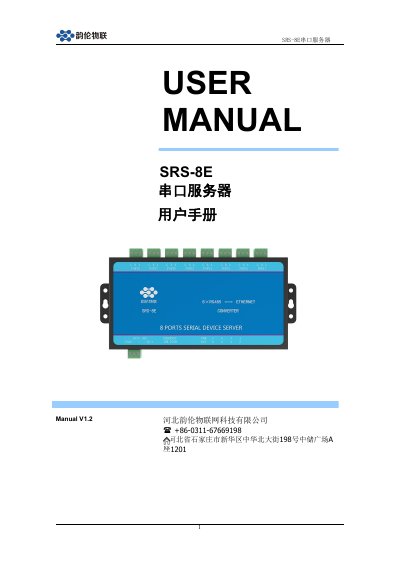
The Yunlun SRS-8E is an industrial serial server module featuring 8 independent RS485/232/422 interfaces and one 10M/100M adaptive Ethernet interface. It supports static and dynamic IP addresses, DNS, and firmware upgrades via a web interface or configuration software. The device includes 2KV electrostatic surge protection and operates within an industrial temperature range of -40 to 85°C.
The manual details how to configure the device using the provided software or web browser, covering parameters such as IP settings, baud rates (up to 1024000), and working modes (TCP_SERVER, TCP_CLIENT, UDP_SERVER, UDP_CLIENT). It also explains data transmission protocols, including transparent data forwarding and Modbus TCP to RTU conversion, along with troubleshooting steps for common connectivity issues. This manual is written in Chinese.
| Interfaces | 8 x RS485/232/422, 1 x 10M/100M Ethernet |
|---|---|
| Power Supply | 12V @ 150mA |
| CPU | 32-bit high-performance processor |
| Baud Rate Support | 600~460800 |
| Operating Temperature | -40 to 85°C |
| Storage Temperature | -65 to 165°C |
| Humidity Range | 5% to 95% relative humidity |
The default username is admin and the password is admin.
You can click 'Restore Factory' in the software or hold the 'CFG' button for more than 5 seconds.
New settings only take effect after the module is restarted.