
Softlink EtherCAT I/O Digital Quantity Module User Manual, which introduces the structure, specifications and installation, connection, debugging, electrical parameters, fault handling of the product in detail.
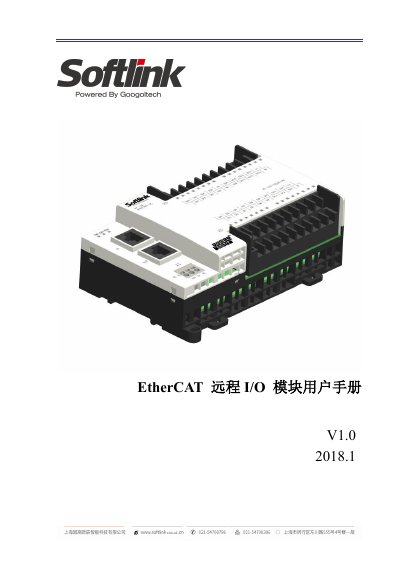
This user manual covers the Softlink RT133-1BL10-EA EtherCAT remote I/O module, a 16DI/16DO digital module with transistor source-type outputs. It presents the model list and electrical specifications, then describes the module interfaces and indicator lights.
The manual also covers TwinCAT software installation and EtherCAT protocol driver setup, XML installation, configuration, and I/O module use, followed by PLC configuration and program download with OtoStudio. This manual is written in Chinese.
| Digital input channels | 16 |
|---|---|
| Input filter time | 0.5 ms |
| Rated level | 24 V DC (-15%/+20%) |
| Digital output channels | 16 |
| Output type | Transistor |
| Maximum output current (single channel) | 0.5 A |
| Maximum total output current | 8 A |
| Supply voltage | 24 V DC (-15%/+20%) |
| Electrical isolation (field vs. bus) | AC 500 V |
| Communication protocol | EtherCAT |
| Bus interface | 2 x RJ45 |
| Communication speed | 100 Mbps |
| Mounting | DIN rail (TS35) |
The module is the RT133-1BL10-EA, with 16 digital inputs and 16 digital outputs using transistor source-type outputs.
The maximum total output current is 8 A.
The digital input filter time is 0.5 ms.
The module is mounted on a DIN rail (TS35).