
This manual covers the installation, configuration via TwinCAT and PROFINET, wiring, and technical specifications for Softlink iSpade series remote I/O modules.
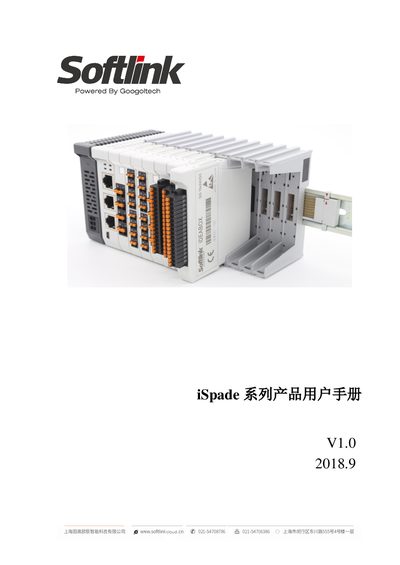
The Softlink iSpade series is a compact line of universal remote I/O modules supporting various fieldbuses such as EtherCAT and PROFINET. The manual provides instructions on preparing the installation environment, mounting the power rail and modules, and connecting wires without tools.
Detailed guidance is provided for software configuration using Beckhoff TwinCAT or Siemens TIA Portal (PROFINET). It includes steps for installing drivers, configuring devices via scanning or manual methods, and downloading settings. The document also details technical specifications and indicator light definitions for power supplies, couplers, digital I/O, and analog modules. This manual is written in Chinese.
| Rated Input Voltage (Power) | 24VDC(-15%/+20%) |
|---|---|
| Rated Output Current (Power) | 6A |
| Operating Temperature | 0℃~55℃ |
| Transmission Distance (EtherCAT/PROFINET) | 100m |
| Transmission Medium | Category 5 twisted pair cable |
A +24V DC power supply is required; a +12V DC power supply cannot be used as a substitute.
A flathead screwdriver (recommended size 2 × 75mm) and a multimeter.
The green PWR light indicates the status of the 24V power supply; ON means normal operation and OFF means an abnormality.