
This product manual introduces the features, uses, installation, use and maintenance of the 4590 display panel base USB communication interface.
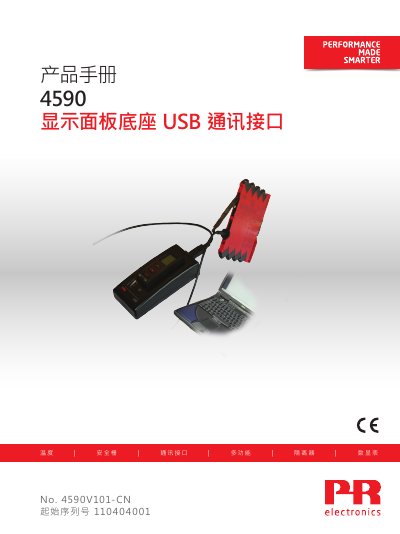
The PR electronics 4590 is a USB communication interface device used with the removable 4501 display panel or 4511 bus communication panel. It can configure, record, and back up/restore selected PR electronics programmable devices. It can be used alone in adapter mode or connected to a PC in docking mode.
In docking mode, the 4590 connects 4501/4511 to a PC over USB and is powered by the PC USB supply, so batteries are not required. In adapter mode, it serves as a handheld adapter between 4501/4511 and selected 3000 series devices. USB communication is supported under Windows 7, 8 and 10, and the device is supported by PReset6.0 or later. This manual is written in Chinese.
| Operating temperature | -20°C to +60°C |
|---|---|
| Storage temperature | -20°C to +85°C |
| Relative humidity | < 95% RH (non-condensing) |
| Protection rating | IP20 |
| Installation conditions | Pollution degree 2 & measurement/overvoltage category II |
| Battery | 3 x 1.5 V AAA batteries |
| EMC | 2014/30/EU |
| LVD | 2014/35/EU |
| RoHS | 2011/65/EU |
| UL safety standard | UL 61010-1 |
It is a USB communication interface used with the 4501 display panel or 4511 bus communication panel to configure, record, and back up/restore selected PR electronics programmable devices.
A USB-B to USB-A cable is required.
It uses 3 x 1.5 V AAA batteries.
PReset6.0 or later supports the 4590.