
PR Electronics 4590 Display Panel Dock USB Communication Interface User Manual

This manual covers the installation, configuration, and usage of the PR Electronics 4590 Display Panel Dock for connecting to PCs or PR devices via USB.
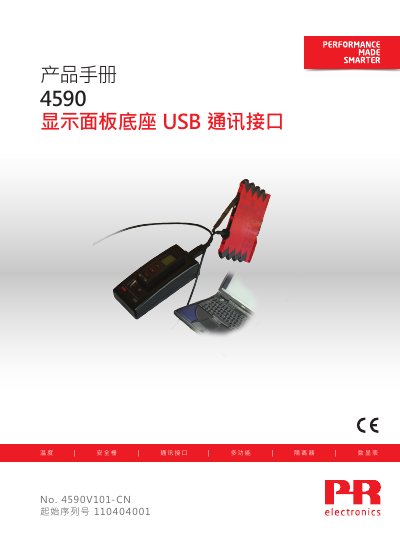

PR Electronics 4590 Display Panel Dock USB Communication Interface User Manual - cover page
Brand
PR electronics
Document type
User Manual
Language
Chinese
Pages
11
File format
PDF
File size
2.2 MB
Published
18 October, 2026
Updated
18 October, 2026
MD5 checksum
CDAE87CA3F5C3E2FCC43EC7E0DD6E402

About this manual

The PR Electronics 4590 is a USB communication interface device designed to work with removable display panels (4501) or bus communication panels (4511). It allows users to configure, record, and backup/restore settings for selected PR electronics programmable devices. The manual provides instructions on operating the unit in two modes: as a docking station for PC connectivity or as an adapter for field use with 3000 series equipment. This manual is written in Chinese.

What's inside

  • Warning
  • Safety Instructions
  • Application
  • Docking Station Mode
  • Adapter Mode
  • Technical Features
  • System Requirements
  • Installing PReset Software

Frequently asked questions

What operating systems are supported for USB communication?

USB communication is supported on Windows 7, 8, and 10.

What type of cable is required to connect the dock to a PC?

A USB-B to USB-A cable must be used to connect the unit to a PC.

How long does the battery last in adapter mode?

If used daily, the battery life is approximately one year depending on the battery type.

Download PDF (2.2 MB)

More PR electronics Manuals


View all PR electronics manuals →