
This is a digital pressure gauge that can be used to measure pressure.
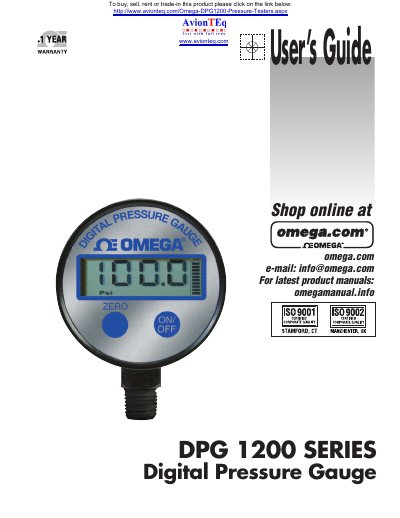
The Omega DPG 1200 Series Digital Pressure Gauge User’s Guide explains mounting the gauge on suitable female fittings, sealing threads with Teflon tape or pipe dope, and avoiding overtightening. It then describes powering the unit, zeroing the display with no pressure applied, applying pressure, and shutting the display off.
The guide also covers display and operation settings, including continuous reading and peak-and-hold modes, on/off and auto-shut-off choices, pressure unit selection, maximum over-pressure and minimum under-pressure limits, and battery replacement through the rear cover. A caution notes that holding the ON/OFF button too long could affect calibration.
With no pressure applied, press the ZERO button to zero out the display.
The available modes include continuous reading and peak and hold.
Remove one screw to take off the rear cover, slide out the battery, un-snap the old battery, fit the new one, and reinstall the cover and screw.
Do not hold it down for longer than the stated time, because this could affect the gauge calibration.