
HBox product configuration manual, which mainly introduces the product's hardware parameters, electrical specifications, environmental requirements, product specifications, communication protocols, appearance, local configuration software installation methods, usage methods, anti-tamper and device driver instructions.
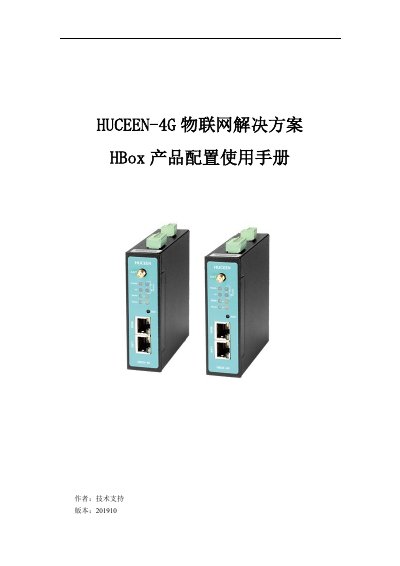
The HUCEEN HBox is an embedded IoT module designed for industrial automation applications. It features an ARM9 CPU, 4G and Ethernet connectivity, and supports multiple communication protocols including Modbus, Siemens S7, Mitsubishi, and Omron. The device operates on a DC 9V to 36V power supply and is suitable for environments between -20°C and 75°C. This manual is written in Chinese.
| CPU | ARM9 embedded low-power CPU |
|---|---|
| Clock Speed | 400MHz |
| Memory | 128M DDR2 SDRAM, 256M Flash |
| Power Supply | DC 9V to 36V |
| Operating Temperature | -20 to 75°C |
| Weight | 400g |
The default IP address for the LAN port is 192.168.10.100.
The system takes approximately 20 seconds to restart after a download.