
BMR200 Industrial Wireless Router Product User Manual, introduces the product's basic functions, installation methods, parameter configuration, etc.
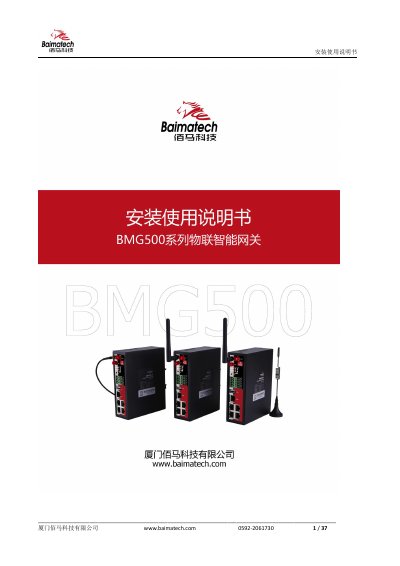
This is the Chinese installation and use manual (安装使用说明书) from Xiamen Baima Technology for its industrial wireless router, referred to in the text as the BMG500. The document describes the product, its dimensions and physical characteristics, the interfaces and status indicator lights, and the steps for installing a SIM card, antennas, serial connections and power. A BMR200 nameplate is shown as the example used for checking the model on delivery.
The second part of the manual walks through the browser-based (WEB) configuration of the device: gateway status, network settings, security settings, VPN settings, advanced settings and system settings such as backup, restore, firmware upgrade and remote configuration. A table of contents in the document lists each of these sections with page numbers. This manual is written in Chinese.
| Enclosure | Metal housing, protection class IP30, isolated from the system |
|---|---|
| Dimensions | 145 x 143 x 45 mm (excluding antenna and mounting parts) |
| Weight | 790 g |
| Operating temperature | -35 °C to 75 °C |
| Power supply | Standard 1.5A/12VDC adapter; 5-35VDC direct supply also possible |
| Ethernet ports | 4 LAN ports and 1 WAN port standard; WAN can be redefined as LAN |
| Digital I/O | 2 DI digital inputs and 2 relay outputs |
| Serial ports | RS485 and RS232 data transmission |
| FLASH | 16M standard, expandable to 32M (custom) |
| SDRAM | 128M standard, expandable to 256M (custom) |
| Storage card | Optional large-capacity card, up to 32G |
| Antenna connector | SMA female socket |
| VPN protocols | OpenVPN, IPSEC, PPTP, L2TP and others |
Insert a thin, pointed object into the Reset hole and hold it until all indicator lights go out, then release; the configuration is returned to factory values.
It is supplied with a standard 1.5A/12VDC adapter, and can also be powered directly from a 5-35VDC source.
One router, one power adapter, one 3G/4G antenna, one RS232 serial cable, one Ethernet cable and one 5PIN terminal.
The router supports several VPN protocols including OpenVPN, IPSEC, PPTP and L2TP.