
This manual covers the installation, configuration, and usage of the Baima BMR400 industrial wireless router, including network settings, security, and…
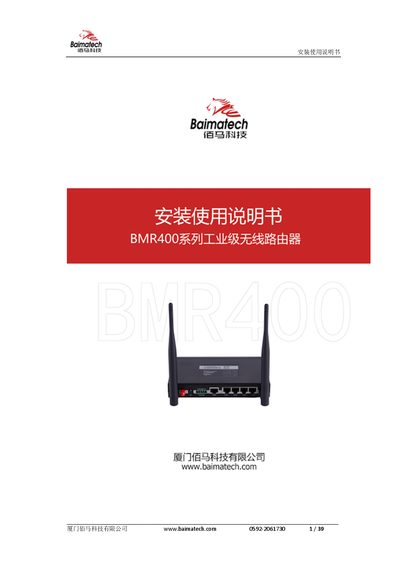
The Baima BMR400 is an industrial-grade wireless router designed for IoT applications, utilizing 4G/3G/2.5G networks to provide high-speed wireless connectivity. It features a robust metal enclosure with an IP30 protection rating, operating in temperatures from -35°C to 75°C and supporting a wide voltage range of 5V-35V. The device is equipped with 4 LAN ports, 1 WAN port, and supports RS485/RS232 data transmission via terminal blocks. This manual is written in Chinese.
| Operating Temperature | -35°C to 75°C |
|---|---|
| Operating Voltage | 5V-35V |
| Protection Rating | IP30 |
| Dimensions | 168*104*27mm |
| Weight | 790g |
| Storage Capacity | 16G |
| LAN Ports | 4 |
| WAN Ports | 1 |
Insert a sharp object into the 'Reset' hole and hold it until the Alarm light flashes rapidly, then release to allow the router to restart.
The router supports a maximum storage card capacity of 16G for cyclic storage of monitoring data.
Yes, the WAN port can be customized to become a LAN port according to project needs.