
This document is the installation and use manual of Baima wireless gateway
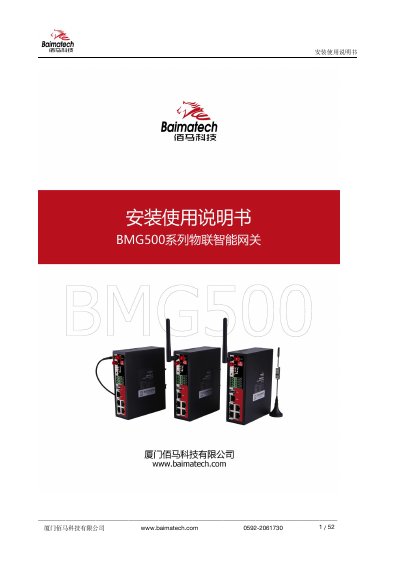
The BMG500 is an industrial IoT intelligent gateway from Baima Technology that combines intelligent data collection, protocol conversion, 4G wireless communication, data forwarding, VPN, and local storage. This 52-page Chinese installation and operation manual covers product introduction, installation, parameter configuration, network and security settings, system settings, VPN, router status, and data collection configuration.
The manual describes the package contents, SIM card and antenna installation, Reset button operation, and indicator light states. It also documents configuration of network, security, system, advanced, VPN, and data collection settings, including Modbus, MQTT, HTTP, and Modbus TCP server protocols. This manual is written in Chinese.
| Enclosure | Metal enclosure, IP30 protection |
|---|---|
| Dimensions | 145 × 143 × 45 mm (excluding antenna and mounting parts) |
| Weight | 790 g |
| Input voltage | 5–35 V |
| LAN/WAN/USB ports | 4 LAN, 1 WAN, 1 USB |
| Digital I/O | 2 digital inputs, 2 relay outputs |
| Serial ports | 1 × RS232, 1 × RS485 |
| Storage card | Up to 32 GB (optional) |
The BMG500 is an industrial IoT intelligent gateway that combines data collection, protocol conversion, 4G wireless communication, data forwarding, VPN, and local storage.
Insert a pointed object into the Reset hole and hold it until the Alarm light flashes quickly, then release and wait for the gateway to restart.
It uses a large SIM card; if you have a smaller card, you need to use the corresponding card adapter.
It supports a wide voltage range of 5 V to 35 V.