
EM7 streaming music center quick start guide, guide users how to safely use the product, mainly including product appearance, component names, power on/off/lock screen, audio source switching and other contents
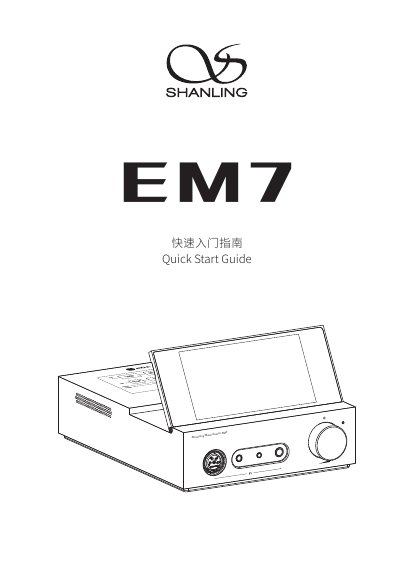
This quick start guide is for the Shanling EM7 streaming music centre. It covers safety precautions, product parts, power on/off and screen lock, navigation, volume control, USB DAC setup, firmware updates, included accessories, the Eddict Player app, and MQA playback.
The guide includes Chinese and English instructions, connection diagrams, and operating steps for the touch screen interface. This manual is written in Chinese.
| Power input | ~220V-240V/50Hz |
|---|---|
| Display | 5.8-inch touch screen (1080 x 920) |
| Display adjustment | Limited to 60 degree angle |
Put the power switch to the ON position, then press the volume wheel for 2 seconds.
While powered on, short press the volume wheel to lock the screen and turn off the display; press it again to unlock.
Turn on Wi-Fi and connect to a local network, then go to Settings – Firmware Update – Online Update.
Connect the EM7 to the computer via the USB DAC input, switch to USB_DAC, install the USB driver on Windows, and set Shanling Audio Device as the default communication device.