
Key facts
- Manuals
- 4
- Languages
- EN · ZH
- Last added
- 2026-10-02
Featured Shanling manuals
Shanling M3s Portable Music Player User Manual
This manual introduces the Shanling M3s portable music player, covering safety precautions, button functions, audio output options, charging procedures, and USB connectivity. It also explains how to navigate the system settings, lock the screen, and manage music files on the TF card.
The document includes detailed technical specifications such as power requirements, battery capacity, supported audio formats, and performance parameters, as well as a troubleshooting section that addresses common issues like connection problems, audio output errors, and display anomalies.
Covers: Product Introduction · Safety and Security Instructions · Button Functions and Operation · Audio Output and Balanced Earphone · Charging and Power Supply · USB Connection and Driver Installation
Shanling BA1 Quick Start Guide
The Shanling BA1 is a Bluetooth receiver and USB‑DAC audio device with an OLED display, multiple audio outputs and support for high‑resolution codecs. This guide helps users set up the unit safely and start listening quickly.
It covers safety instructions, component identification, pairing and reconnection procedures, volume control, USB‑DAC operation, firmware upgrade steps, common troubleshooting tips and a list of the accessories that come with the product. This manual is written in Chinese.
Covers: Safety Instructions · Component Names · Pairing Mode · Operation Instructions · Reconnection Mode · Volume Control
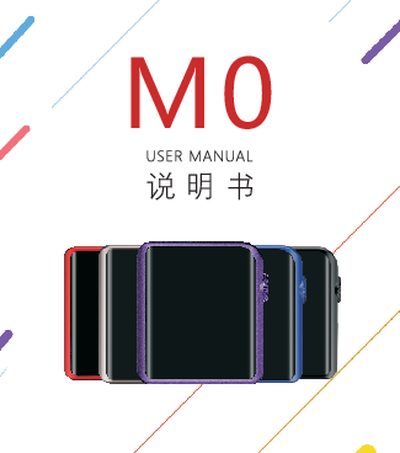
Shanling M0 Portable Music Player User Manual
This manual introduces the Shanling M0 portable music player, covering safety precautions, power on/off procedures, screen locking, and touch‑screen navigation. It explains how to use the headphone jack, TF‑card slot, USB‑Type‑C port, and Bluetooth functions, and provides guidance on firmware updates and driver installation.
Technical specifications such as output power, frequency response, battery capacity, dimensions, and supported storage are listed, along with a troubleshooting section that addresses common issues like startup problems, freezing, and audio noise. Contact information and warranty details are provided at the end of the document.
Covers: Safety Instructions · Power On/Off and Screen Lock · Touch Screen Operation · USB/DAC and Data Transfer · Headphone and TF Card Interfaces · Common Problems and Troubleshooting
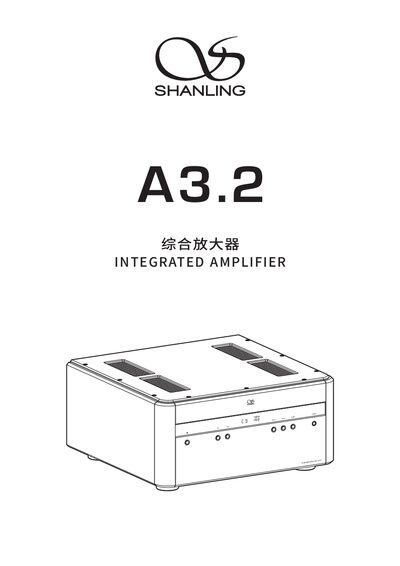
Shanling A3.2 Integrated Amplifier User Manual
This manual covers safety precautions, power on/off procedures, input selection, volume and gain adjustments, and mode switching for the Shanling A3.2 integrated amplifier. It also explains how to use the remote control, Bluetooth, USB DAC and other features.
Technical parameters such as power consumption, dimensions, output power, frequency response and supported audio formats are listed, along with warranty and contact information for Shanling. This manual is written in Chinese.
Covers: Safety Instructions · Power On/Off · Input Switching · Volume Control · Gain Adjustment · Mode Selection
Latest Shanling manuals
Shanling M3s Portable Music Player User Manual
User Manual 24 pages · 722 KB · ENThe Shanling M3s portable music player user manual provides safety instructions, operation guidance, specifications, and troubleshooting tips.
Shanling BA1 Quick Start Guide
Quick Start Guide 16 pages · 398 KB · ZHThe quick start guide explains safety, components, pairing, USB‑DAC use, firmware update, FAQs and included accessories for the Shanling BA1.
Shanling M0 Portable Music Player User Manual
User Manual 24 pages · 1.1 MB · ENThe Shanling M0 portable music player user manual provides setup, operation, safety instructions, specifications, and troubleshooting guidance.
Shanling A3.2 Integrated Amplifier User Manual
User Manual 16 pages · 1.2 MB · ZHThe Shanling A3.2 integrated amplifier user manual provides safety instructions, operation steps, technical specifications and connection guides.
Which document do I need?
User Manual
Day-to-day operation, settings and troubleshooting. Start here if the product is already set up.
Quick Start Guide
The shortest path to a working setup, usually only a few pages.
Questions answered in Shanling manuals
How do I lock and unlock the screen?
Press the Lock button to turn the LCD display off; press it again to unlock the screen.
How can I update the device firmware?
Download the update file from the official Shanling website (www.shanling.com) and follow the provided instructions.
How do I power on the Shanling BA1?
Flip the power switch up to the ON position; the OLED display will light up.
How do I pair the BA1 with a Bluetooth device?
Turn on Bluetooth on your phone, select "Shanling BA1"; the unit automatically enters pairing mode after power‑on or when all devices are disconnected.
How do I turn the Shanling M0 on and off?
Press and hold the power button for 3 seconds to turn the device on or off.
What type of battery does the M0 use and how long does it last?
It uses a built‑in rechargeable lithium‑polymer battery of 630 mAh that provides about 15 hours of playback and fully charges in roughly 2 hours.