
The Shanling M0 portable music player user manual provides setup, operation, safety instructions, specifications, and troubleshooting guidance.
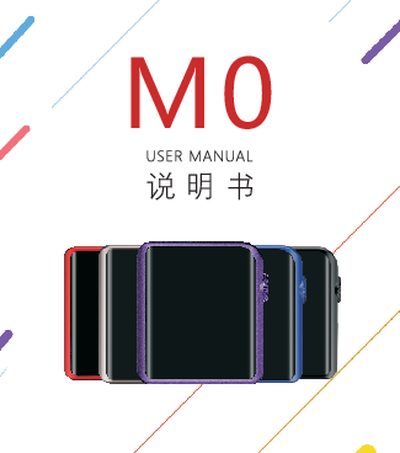
This manual introduces the Shanling M0 portable music player, covering safety precautions, power on/off procedures, screen locking, and touch‑screen navigation. It explains how to use the headphone jack, TF‑card slot, USB‑Type‑C port, and Bluetooth functions, and provides guidance on firmware updates and driver installation.
Technical specifications such as output power, frequency response, battery capacity, dimensions, and supported storage are listed, along with a troubleshooting section that addresses common issues like startup problems, freezing, and audio noise. Contact information and warranty details are provided at the end of the document.
| Output power | 80mW @ 32 Ω |
|---|---|
| Frequency response | 20Hz~20kHz |
| THD+N | <0.004% (A‑Weighting) |
| Signal‑to‑noise ratio | 118dB (A‑Weighting) |
| Dynamic range | >105dB |
| Output impedance | 0.17Ω |
| Channel separation | 70dB |
| Battery capacity | 630mAh |
| Battery life | ≈15 hours |
| Charging time | ≈2 hours to full charge |
| Dimensions | 45 × 40 × 13.5 mm |
| Weight | ≈38 g |
| Supported TF‑card capacity | Up to 512 GB |
| Recommended earphone impedance | 8 ~ 300 Ω |
| USB interface | Type‑C (USB 2.0) |
Press and hold the power button for 3 seconds to turn the device on or off.
It uses a built‑in rechargeable lithium‑polymer battery of 630 mAh that provides about 15 hours of playback and fully charges in roughly 2 hours.
Press and hold the power button for at least 10 seconds to force a shutdown; if it won’t start, charge the battery and try again.
Download the update file or USB driver from the official Shanling website (www.shanling.com) and follow the on‑screen instructions before connecting the player to a computer.