
Elite Screens Manual HT Series Manual Pull-Down Projector Screen User's Guide

This is a user manual for Elite Screens Manual HT Series Manual Pull-Down Projector Screen.
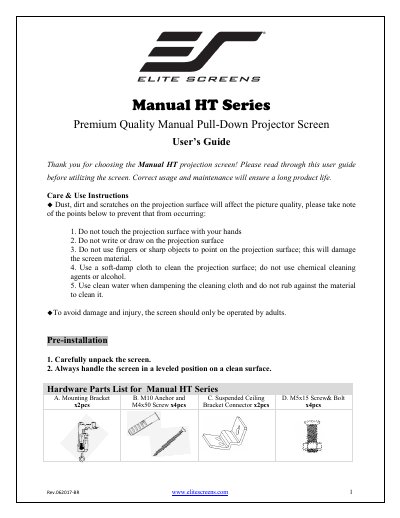

Elite Screens Manual HT Series Manual Pull-Down Projector Screen User's Guide - cover page
Brand
Elite Screens
Category
Projector
Document type
User Manual
Language
English
Pages
5
File format
PDF
File size
425 KB
Published
29 October, 2023
Updated
29 October, 2023
MD5 checksum
FC5D7FCBA3EF5A2CCA4B44A3F284CE3D

About this manual

This user guide provides instructions for the Elite Screens Manual HT Series manual pull-down projector screen. It includes care and use instructions to maintain picture quality, such as avoiding touching the projection surface and using a soft-damp cloth for cleaning. The guide also notes that the screen should only be operated by adults to avoid damage and injury.

What's inside

  • Care & Use Instructions
  • Pre-installation
  • Hardware Parts List
  • Installation Instructions
  • Flush Mount to the Wall
  • Flush Mount to the Ceiling
  • Suspended Ceiling using Chains
  • Screen removal from the Mounting Brackets
  • Screen Operation
  • Attention

Frequently asked questions

What is the correct angle for pulling the screen down?

You must pull the screen down at a 90-degree angle to ensure it locks into place correctly.

How far must you pull the screen to retract it?

To retract the screen, you need to pull it down more than 2 inches before letting it go.

What should you use to clean the projection surface?

Use a soft-damp cloth with clean water, and do not use chemical cleaning agents or alcohol.

Download PDF (425 KB)

More Elite Screens Manuals


View all Elite Screens manuals →