
This is a user manual for AMX products, which mainly introduces the warranty terms of AMX products.
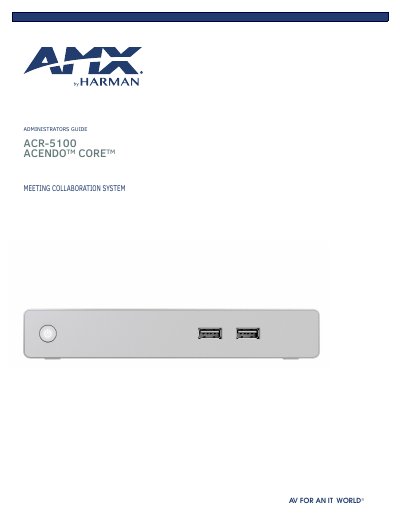
The AMX ACR-5100 Acendo Core Meeting Collaboration System delivers a flawless start to meetings by integrating wide support for Web Conferencing Platforms, including one-click Skype for Business, document sharing, web browsing, and room scheduling directly from the touch display or keyboard and mouse. The system features built-in document viewers for various file types, network drive support, and Active Directory authentication to enhance productivity and security.
| Dimensions | 1.37" x 7.06" x 7.937" (34.8mm x 179 mm x 201.6 mm) H x W x D |
|---|---|
| Mounting Requirement | 1RU slot |
| Cooling Method | Passive cooled |
| Warranty Period | Three (3) years |
| Supported Video Playback | 1080p |
| Supported Dual Display | 4k + 4k OR 1080p + 1080p OR 720p + 720p |
AMX warrants its products to be free of defects in material and workmanship under normal use for three (3) years from the date of purchase.
Yes, by natively integrating with Active Directory, users can authenticate into Acendo Core and access network drives.