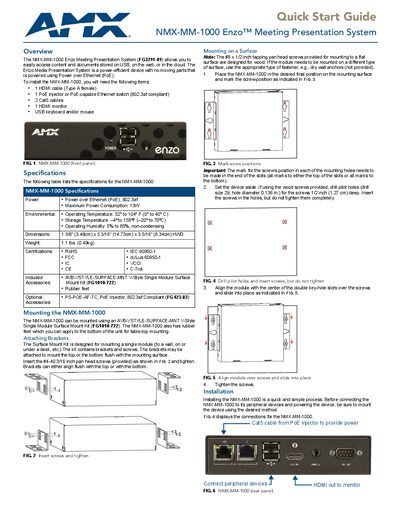
Quick start guide for the AMX NMX‑MM‑1000 Enzo Meeting Presentation System, covering installation, power, connections, and basic setup.
About this manual
The NMX‑MM‑1000 Enzo Meeting Presentation System is a PoE‑powered device that lets users access content from USB, the web, or the cloud. It is designed for easy mounting on walls or tables and includes a front‑panel HDMI output and USB ports for peripherals.
The guide explains how to mount the unit, connect power via a PoE injector or PoE‑capable switch, attach a monitor, keyboard, mouse, and USB storage, and perform basic configuration such as setting the display resolution, date and time, and locating the device’s IP address.
What's inside
- Overview
- Specifications
- Mounting the NMX‑MM‑1000
- Installation
- Connecting Video Output
- Connecting Keyboard and Mouse
- Applying Power
- Locating the IP Address
- Setting the Display Resolution
- Setting the Date and Time
Specifications
| Power | Power over Ethernet (PoE), 802.3af |
|---|
| Maximum Power Consumption | 13W |
|---|
| Operating Temperature | 32° to 104° F |
|---|
| Storage Temperature | –4° to 158° F |
|---|
| Operating Humidity | 5% to 85%, non‑condensing |
|---|
| Weight | 1.1 lbs |
|---|
Frequently asked questions
How do I power the NMX‑MM‑1000 Enzo?
Connect a PoE injector or a PoE‑capable Ethernet switch to the device using Cat5 cable; the injector supplies power over the network cable.
How can I change the display resolution?
From the Enzo desktop select Options → Settings → System Settings → Display, enter the security password, and choose the desired resolution (e.g., 1080p or 720p).
Where can I find the IP address of the device?
After the device boots, go to Options → Settings → System Settings → Device Info; the IP address is shown in the Device area.