
This is an industrial equipment manual that introduces the installation and maintenance of EtherTRAK Redundant Ethernet I/O Gateway
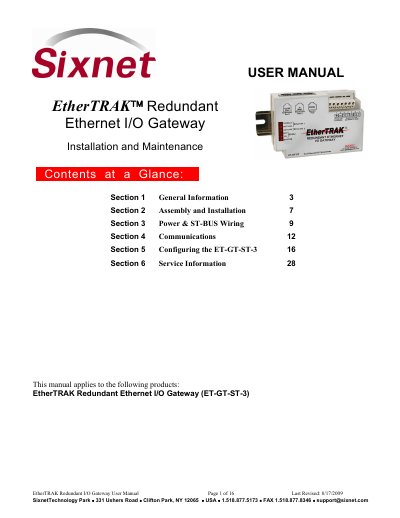
This manual provides instructions for installing and maintaining the EtherTRAK Redundant Ethernet I/O Gateway (ET-GT-ST-3). The device allows for the creation of Ethernet I/O stations with up to 620+ I/O channels and features two independent Ethernet network ports for redundancy. It can be used with the SixTRAK IPm Open DCS Controller to ensure that a single failure of the controller, gateway, or cable is tolerated.
| Power Requirement | 18-30 VDC (or 10-30 VDC for newer modules) |
|---|---|
| Ethernet Port 1 Speed | 100 Mbps |
| Ethernet Port 2 Speed | 10 Mbps |
| Operating Temperature | -40 to 70 °C |
| Supported Protocols | Modbus/TCP, Modbus/UDP, Sixnet Universal |
The ET-GT-ST-3 allows you to build Ethernet I/O stations of as much as 620+ I/O channels.
It has two independent Ethernet network ports that allow for redundant Ethernet links to ensure a simple cable failure will not cause loss of I/O.
The Sixnet I/O Tool Kit software is used to enter setup choices and configure the system.