
Sixnet Industrial Ethernet Managed Switch Software User Manual

This manual covers the setup, configuration, monitoring, and management of Sixnet industrial Ethernet managed switch firmware version 5.0.
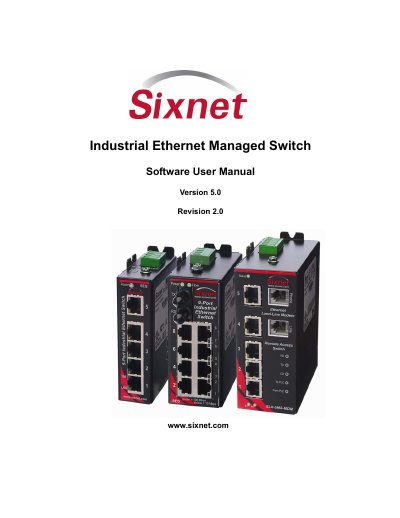

Sixnet Industrial Ethernet Managed Switch Software User Manual - cover page
Brand
Sixnet
Category
Other Electronics
Document type
User Manual
Language
English
Pages
197
File format
PDF
File size
3.5 MB
Published
30 October, 2026
Updated
30 October, 2026
MD5 checksum
102F08334CF6BCAD88342CB14E92F36C

About this manual

This document serves as the software user manual for Sixnet industrial Ethernet managed switches, specifically covering firmware version 5.0 Revision 2.0. It provides instructions on accessing the switch via web and terminal interfaces, installing USB drivers, and performing initial network configuration. The guide details how to configure Ethernet ports, manage firmware updates, and monitor system status including power, port states, and network statistics.

What's inside

  • Accessing the Setup Interfaces
  • Initial Setup and Configuration
  • Configuration Management and Firmware Updates
  • Monitoring the Current State of the Switch
  • Network Management (SNMP and RMON)
  • Redundancy Protocols
  • Priority Queuing
  • Multicast Filtering
  • Virtual Local Area Networks (VLANs)
  • Security Settings

Specifications

Default IP Address192.168.0.1
Default Subnet Mask255.255.255.0

Frequently asked questions

What is the default IP address for the switch?

The default IP address is 192.168.0.1.

What is the default subnet mask?

The default subnet mask is 255.255.255.0.

Download PDF (3.5 MB)

More Sixnet Manuals


View all Sixnet manuals →