
This manual describes how to install and configure the Google Nest Learning Thermostat Pro.
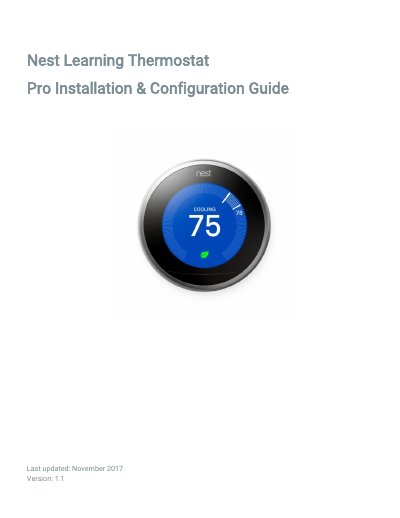
This guide provides detailed instructions for installing and configuring the Google Nest Learning Thermostat Pro. It covers general information such as features, system compatibility, and technical specifications. The document explains how to use the Pro Setup feature for advanced configurations like dual-fuel systems and humidifiers. It also includes step-by-step installation procedures, wiring diagrams for various HVAC systems, and troubleshooting tips.
| Display Resolution | 480x480 resolution at 229 pixels per inch (PPI) |
|---|---|
| Display Size | 5.3 cm (2.08 in) diameter |
| Power Requirement | 20-30V AC |
| Battery Type | Built in lithium-ion battery |
| Wi-Fi Standard | 802.11 b/g/n, 2.4 GHz |
| Temperature Sensor Accuracy | +/- .5°F |
| Humidity Sensor Accuracy | +/- 3%RH |
No, the Nest Thermostat does not use jumper wires and will automatically jump terminals for you.
Pro Setup allows Nest Pros to configure advanced settings for complex systems, including dual-fuel systems, humidifiers/dehumidifiers, and multi-speed fans.
No, a common wire is not required with most installations, though it is strongly recommended.