
This document describes how to install PTC Pro/Engineer Wildfire 3.0
This guide details the three-part installation process for PTC Pro/Engineer Wildfire 3.0 and Pro/MECHANICA. It includes downloading and extracting installation disks, configuring license servers, and linking the software components. All steps must be completed for full functionality. Users must be connected to the NJIT network or use a VPN if off-campus.
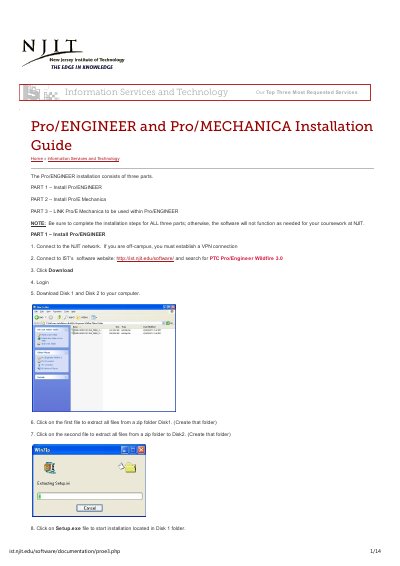
You must be connected to the NJIT network or use a VPN if off-campus. Download Disk 1 and Disk 2, extract them, and run Setup.exe from Disk 1.
Select the Triad license server and specify the hostnames: ucslic2.njit.edu, ucslic1.njit.edu, ucslic3.njit.edu.
No, do not restart the PC during installation. Restart only after all three parts are complete.