
This guide describes the PTC Pro/ENGINEER Reverse Engineering Extension, a tool for converting physical prototypes into 3D CAD models using point cloud data.
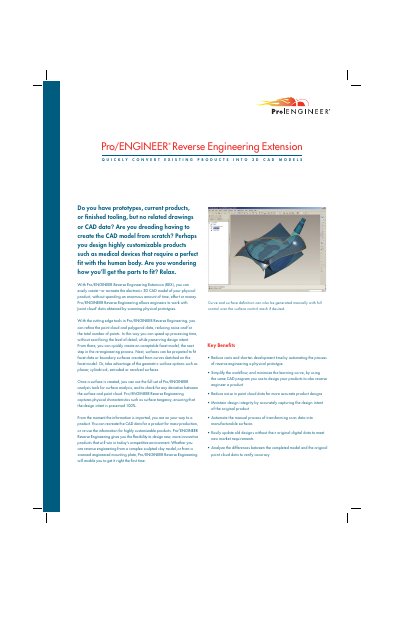
The Pro/ENGINEER Reverse Engineering Extension (REX) allows engineers to convert physical prototypes and scanned point cloud data into accurate 3D CAD models. It simplifies the workflow by utilizing the same CAD program used for design, thereby reducing costs and development time while maintaining design integrity. The extension automates manual processes such as transforming scan data into manufacturable surfaces.
| Supported Languages | English, German, French, Italian, Spanish, Japanese, Chinese (Simplified and Traditional), Korean |
|---|---|
| Operating Systems | Microsoft Windows XP/2000, UNIX Solaris/HP-UX/Linux |
It reduces costs and shortens development time by automating the reverse engineering process.
Yes, it simplifies the workflow by using the same CAD program you already use to design your products.
You can create analytical surfaces such as planes, cylinders, cones, revolutions, and extrusions.