
A step-by-step tutorial and click-by-click primer for creating simple objects using the Sketcher feature in Pro/ENGINEER Release 2000 i 2.
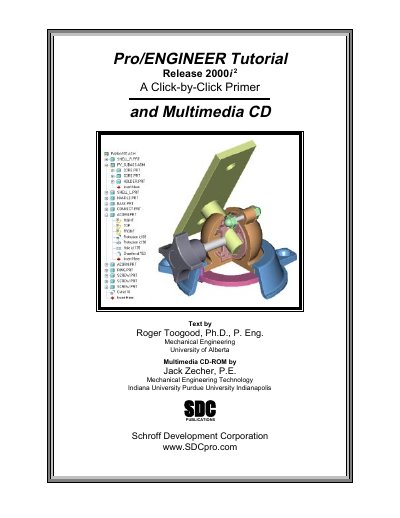
This document serves as a tutorial for Pro/ENGINEER Release 2000 i 2, providing a step-by-step guide on how to use the software to create simple objects using the Sketcher feature. It covers the basics of starting Pro/E, using the interface, creating parts, and working with Sketcher constraints. The guide includes multimedia CD-ROM support and is designed to introduce users to the general procedure for creating features in the Pro/E environment.
Type proe2000i2 and press the Enter key.
It shows only the last 2 lines of text.
A brief description will appear on the bottom of the Pro/E window.