
JA-80K“Oasis” Control panel installation manual, is valid for control panel JA-80K version KE60108 (printed on internal circuit board). The control panel can be configured by a PC running ComLink software - version 80 or higher.
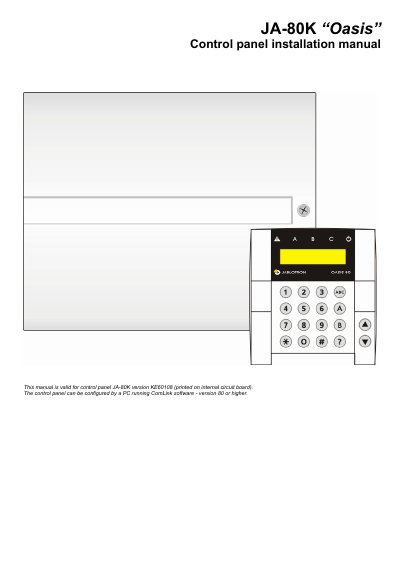
This manual provides instructions for installing and configuring the Oasis JA-80K control panel, which supports up to 50 wireless devices and can be programmed via keypad or PC. It details the control panel architecture, including optional system configurations, hard-wired inputs, and alarm outputs.
| Maximum wireless devices | 50 |
|---|---|
| Back-up battery voltage | 12V |
| Back-up battery capacity | 1.3 to 2.6 Ah |
| Hard-wired inputs | 2 |
| Alarm outputs | 2 |
| Programmable outputs | 2 |
The control panel can be configured by a PC running ComLink software - version 80 or higher.
System installation shall only be undertaken by qualified technicians holding a training certificate issued by an authorized distributor.
Yes, the system can be operated by user codes or user cards and can recognize up to 50 different users.