
Oasis 200707 FPV Wireless Simulator User Manual

This manual covers the configuration, pairing procedures for various receiver protocols (S.BUS, PPM, S-FHSS, DSM2, AFHDS2A), and installation steps for the…
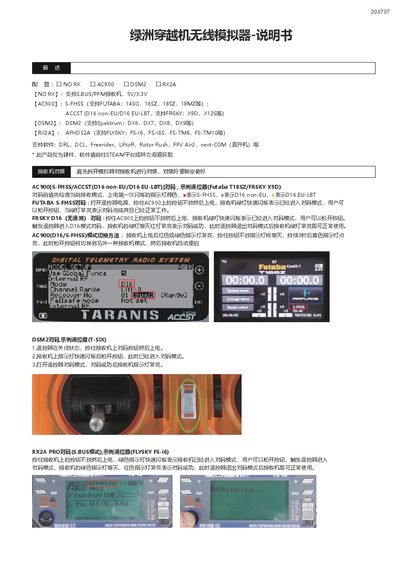

Oasis 200707 FPV Wireless Simulator User Manual - cover page
Brand
Oasis
Category
Other Electronics
Document type
User Manual
Language
Chinese
Pages
2
File format
PDF
File size
1.5 MB
Published
12 October, 2026
Updated
12 October, 2026
MD5 checksum
9DC0C3C06ABB0A627B3C61399D2B939E

About this manual

The Oasis 200707 is a wireless simulator designed for FPV applications. It supports multiple receiver protocols including S.BUS/PPM, S-FHSS (Futaba, ACCST, FrSky), DSM2 (Spektrum), and AFHDS2A (FlySky). The device is compatible with various flight simulation software such as DRL, DCL, Freerider, Liftoff, Rotor Rush, FPV Air2, and next-CGM. This manual is written in Chinese.

What's inside

  • Configuration
  • Supported Receivers
  • Software Support
  • AC900 Pairing
  • DSM2 Pairing
  • RX2A Pairing
  • Mode Switching
  • Installation

Frequently asked questions

What software applications are supported by this simulator?

The simulator supports DRL, DCL, Freerider, Liftoff, Rotor Rush, FPV Air2, and next-CGM for helicopters.

How do you enter pairing mode for the AC900 receiver?

Hold the button on the AC900 while powering it on until the green LED flashes rapidly.

What indicates that the RX2A PRO receiver has successfully paired in S.BUS mode?

The green LED turns off and the red LED stays on to indicate successful pairing.

Download PDF (1.5 MB)

More Oasis Manuals


View all Oasis manuals →