
This guide is about the use manual of Confirm Rx ICM mobile application, which can continuously monitor your heart rhythm and can automatically send that information to your doctor.
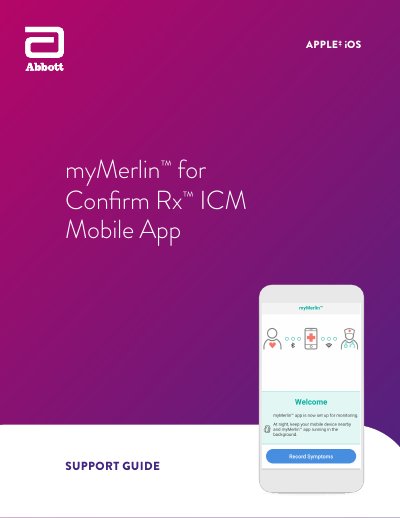
This support guide explains how to use the myMerlin for Confirm Rx ICM mobile app on an Apple iPhone. The Confirm Rx ICM continuously monitors the heart's rhythm and can automatically send that information to a doctor through the myMerlin app. The guide covers connecting the phone to the internet over Wi-Fi or cellular data, downloading the app from the App Store, adjusting iPhone settings, pairing the heart monitor to the app, recording symptoms, troubleshooting messages and contacting Abbott support.
The guide uses pictures of iPhone screens with symbols to show where to tap, swipe and what to notice, and notes that screens may differ by iPhone model or iOS version. Pairing takes about 10 to 15 minutes and is only needed when initially setting up the app; the phone should stay within 5 feet (1.5 meters) during pairing. The app is not intended for emergency use.
| Pairing time | About 10–15 minutes |
|---|---|
| Recommended phone distance | Within 5 feet (1.5 meters) |
Open the App Store, tap the Search icon, type 'myMerlin for Confirm Rx' in the search bar, then tap Get to download the app.
Pairing takes about 10 to 15 minutes and is only needed when initially setting up the app.
Open the app, tap Record Symptoms, tap each symptom you are experiencing (it turns green), then tap Done.
Try decreasing your text size.