
This user manual provides detailed instructions on how to install, connect, configure and use HMS Industrial Networks's CANblue II extended.
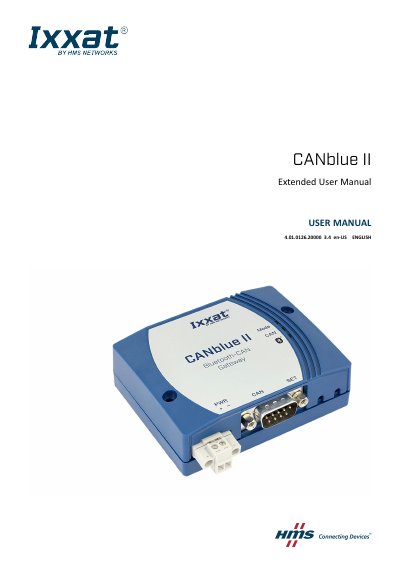
The CANblue II from HMS Industrial Networks connects computer systems such as PCs, notebooks, tablets, or smartphones to CAN networks via Bluetooth wireless technology. The manual is intended for trained personnel familiar with CAN technology, Bluetooth wireless technology, and applicable national standards.
The document covers safety instructions, scope of delivery, product description, installation, configuration as a PC interface with the VCI driver, configuration as a generic PC interface or bridge, operation, troubleshooting, ASCII protocol and CAN device commands, technical data, default settings, and regulatory compliance.
| Bluetooth qualification | Bluetooth v4.0 (Bluetooth classic) |
|---|---|
| Output power | 11 dBm internal antenna, 13 dBm external antenna |
| Power supply | 9 to 30 VDC |
| Dimensions | 81 x 66 x 26 mm |
| Weight | Approx. 83 g |
| Operating temperature | -40 °C to 85 °C |
| CAN transmission rate | 100% busload at 1 MBit |
| Maximal distance between two devices in bridge mode | 200 m / 650 ft |
It connects computer systems such as PCs, notebooks, tablets, or smartphones to CAN networks via Bluetooth wireless technology.
The scope of delivery includes CANblue II, CANanalyser Mini, Installation Guide VCIDriver, User Manual CANblue II, and a CD with VCI driver and extended User Manual CANblue II.
The default pairing code is 7388.
The operating temperature range is -40 °C to 85 °C.