
The manual introduces how to use StarBoard Software 9.X
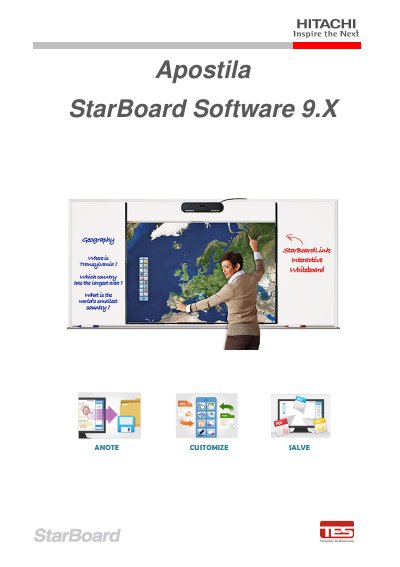
This Portuguese-language apostila covers Hitachi StarBoard Software 9.X and StarBoardLink EZ use. It states that its information comes from the StarBoard Link user manual, the StarBoard Software 9.4 Help option, Hitachi StarBoard product images, and notes by TES Tecnologia Sistemas instructors.
The document describes the function of each part, cable connection, sensor adjustment, use with a stylus pen or finger, software startup, calibration, operation modes, screen elements, toolbar operations, drawing and text tools, image insertion, PowerPoint presentations, screen and page management, and the StarBoard Conference feature. This manual is written in Portuguese.
| Minimum pen thickness | At least 7 mm |
|---|---|
| PC connection | USB cable |
| Simultaneous users in Multi-Input mode | 3 users |
| Status LED - normal | Solid green |
| Status LED - recognizing StarBoard | Flashing orange |
Select Start > All Programs > StarBoard Software, or double-click the StarBoard icon on the desktop.
Use pens with a thickness of at least 7 mm; thinner contact may be unstable.
Multi-Input mode supports three simultaneous users.
The StarBoard is connected to the PC using the USB cable.