
This guide describes the Identity and Access Management system (I&A) features, how to register, reset forgotten usernames and passwords, unlock your account, register to access CMS systems on behalf of your organization, add and manage staff within your organization, and work in CMS systems on behalf of Individual or Organizational Providers.
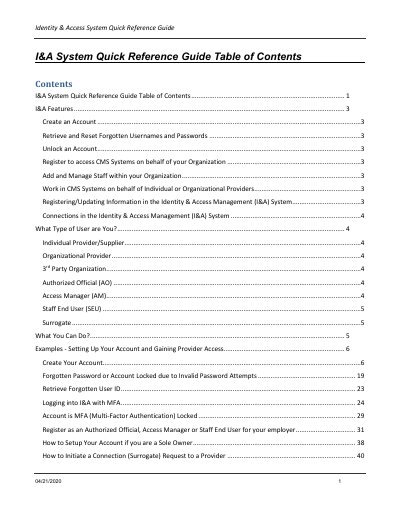
This quick reference guide describes how users work with the CMS Identity & Access Management (I&A) System to access CMS computer systems such as NPPES, PECOS, and HITECH. It explains account creation, forgotten usernames and passwords, account unlocking, MFA login, and user roles including Individual Provider/Supplier, Organizational Provider, 3rd Party Organization, Authorized Official, Access Manager, Staff End User, and Surrogate.
The guide also covers registering to access CMS systems on behalf of an organization, adding and managing staff, initiating and approving surrogacy connection requests, inviting staff users, uploading documents, and common connection scenarios. It includes an appendix of acronyms, key terms, and definitions.
| CMS systems accessed | NPPES, PECOS, and HITECH |
|---|---|
| Security questions required | 5 different questions, each with a unique answer |
| Connection threshold noted for access issues | 1,000 or more connections to Individual Providers may experience an issue; 1,000 or less should not have any issues |
Users can access CMS computer systems such as NPPES, PECOS, and HITECH.
No. Registering or updating information in I&A does not automatically enroll you in Medicare or register you for an NPI.
You must select 5 different questions, each with a unique answer.
The guide recommends reducing the number of IPs that any one Staff End User has connections to within I&A.