
This is the user manual of Daikin's home smart thermostat.
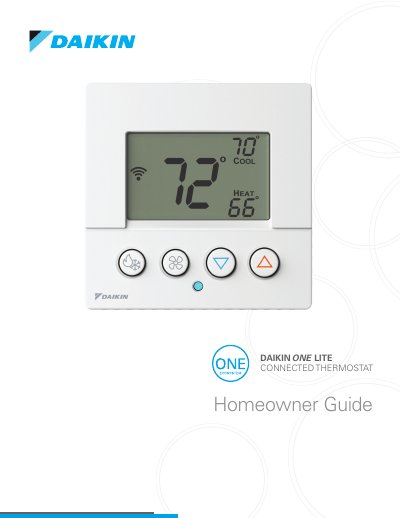
This homeowner guide covers the Daikin One lite connected thermostat and the Daikin One home app. It explains how to create an app account, add a location, connect the thermostat to Wi-Fi, and pair the device with the app.
The guide also describes thermostat interface controls, mode selection, heat and cool setpoint adjustment, fan speed and swing settings, daily scheduling, and how to lock or unlock the keypad.
| Fan speeds | auto and 1 (low) through 5 (high) |
|---|---|
| Temperature step (Fahrenheit) | 1 degree |
| Temperature step (Celsius) | 0.5 degree |
| Pairing code length | 6 digits |
Install the Daikin One home app, select Create Account, agree to the documents, enter your name email address and password, then enter the verification code sent to your email.
Select Add Device, choose the Daikin One lite connected thermostat, press the fan button for 5 seconds to enter Wireless Setup, then select your network and enter the password.
Press the warmer and cooler buttons together and hold for two seconds until the lock icon appears or disappears.