
User manual for Daikin BRC1G2 control panel, covering basic operation, safety warnings, and settings.
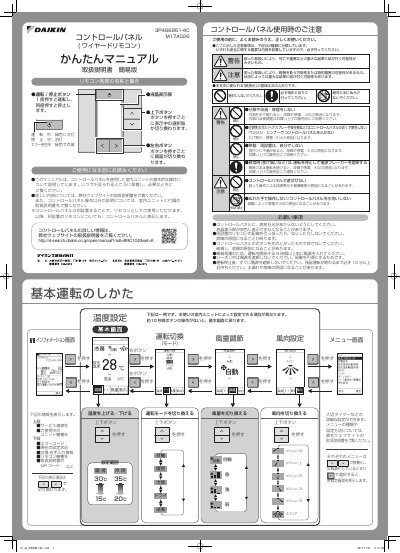
This manual explains how to operate the Daikin BRC1G2 control panel, including button functions and display settings. It includes safety warnings and instructions for maintenance and troubleshooting. The document also references Daikin’s official website for more detailed information. This manual is written in Japanese.
Press the operation/stop button once to start, press again to stop.
When an error is detected, press the button to view the error code and model name, then contact the service center.
Navigate to the timer setting menu, select the desired time, and confirm with the right button.
Wipe the display and body with a soft cloth. If stains remain, use a damp cloth with neutral detergent, then dry with a clean cloth.