
This document is the second part of HooToo IP Camera HT-IP210P User Manual. It mainly introduces the use of IPCamClient (windows software), CAM, SYS, Remote View From Internet.
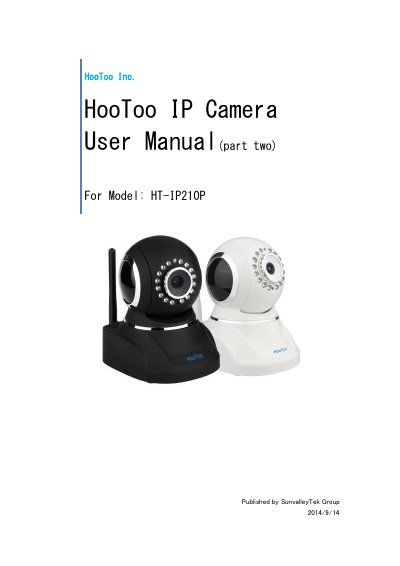
This is part two of the user manual for the HooToo HT-IP210P IP camera. It describes setting up the camera on a Windows PC with the IPCamClient software, including installing the program, searching for the camera, viewing live video, and joining a wireless network.
The manual also covers the IP Camera Tool for MJPEG, viewing through Internet Explorer, Firefox and Chrome, network and audio video settings, alarm and motion detection options, FTP upload errors, and path settings for records.
| Model | HT-IP210P |
|---|---|
| Default account | admin |
| Default password | 000000 |
Open IPCamClient, click ADD, click next, then click search and select the camera IP address from the result and click OK.
The default account is admin and the default password is 000000.
Yes, but install VLC player; Firefox and Chrome have no Active-X plug-in and only support push mode, and some features such as record and two-way audio are not available.
Click CAM, select Wireless LAN Settings, choose Join a new wireless network, click search to scan nearby networks, then enter the password and click join.