
Instruction manual for HT-IP210P network camera, which introduces how to use Android and iOS devices to connect the camera
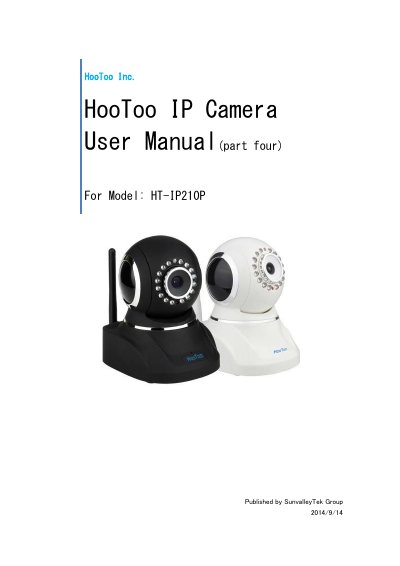
This user manual covers the HooToo HT-IP210P IP camera and explains how to use it with Android and iOS devices. It describes assembling the camera, connecting it to a router, and adding it through the HooToo Mycam Pro app.
The manual also covers regular and advance settings, including renaming the camera, setting a password, configuring video and Wi-Fi, adjusting motion detection sensitivity, and setting the camera indicator.
The default password is 000000.
Tap Add camera and choose to search by UID and IP, add by UID code and password, or scan the QR code.
Records are saved on the Android device's local storage space, not on the computer.
Select a nearby Wi-Fi network and enter the Wi-Fi password to join it.