
This document is the user manual of Afinia H480 3D Printer
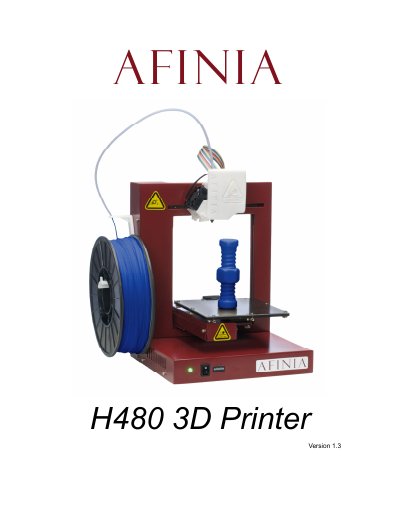
This manual guides users through installing and operating the Afinia H480 3D printer. It covers unpacking, attaching the material spool, software setup, platform leveling, and printing procedures. Maintenance tasks like nozzle cleaning and calibration are also detailed. Safety precautions and warranty information are included for user reference.
| Printer Physical Characteristics | Not specified in text |
|---|---|
| Environmental specifications | Ambient temperature: 60°F to 85°F (15°C to 29°C); Humidity: 20% to 50% |
Use the included Afinia software to calibrate the platform height and position.
The Afinia H480 3D Printers are designed with ultimate portability and simplicity in mind.
You need to connect the power adapter, install the ABS plastic spool holder and filament guide, and thread the filament through the guide and tube.
The printer is designed to work properly at an ambient temperature of between 60°F and 85°F.