
This user manual is about the Afinia H400 3D printer. It introduces the features of the machine, how to use the machine, and safety precautions.
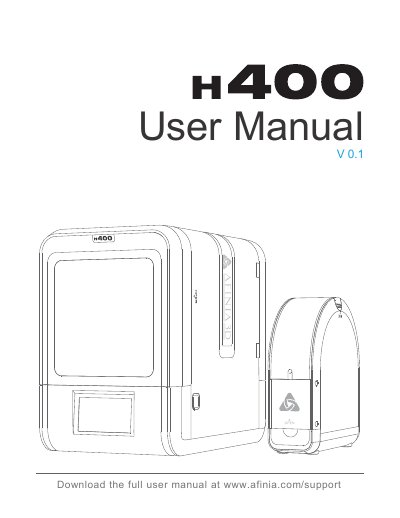
The Afinia H400 3D Printer User Manual (Version 0.1) serves as a comprehensive guide for operating and maintaining the Afinia H400 3D printer. It begins with essential safety precautions regarding high temperatures and moving parts, followed by a detailed list of package contents including the printer, spool holder, power adapter, and tools.
The document outlines the steps to prepare for the first print, configure machine and print settings, and perform necessary calibrations. It also includes a troubleshooting section to help users resolve common issues and provides maintenance instructions for internal components like the motherboard, warning users to contact support before performing repairs.
| Ideal Working Temperature | 15°C and 30°C |
|---|---|
| Relative Humidity | 20-50% |
| Nozzle Temperature | 260°C |
| Print Platform Temperature | over 70°C |
| Warranty Duration | one year |
| Nozzle Warranty | ninety (90) days |
The ideal working temperature is between 15°C and 30°C.
The recommended relative humidity is between 20% and 50%.