
Instruction manual for Goldair Platinum Electronic Panel Heater
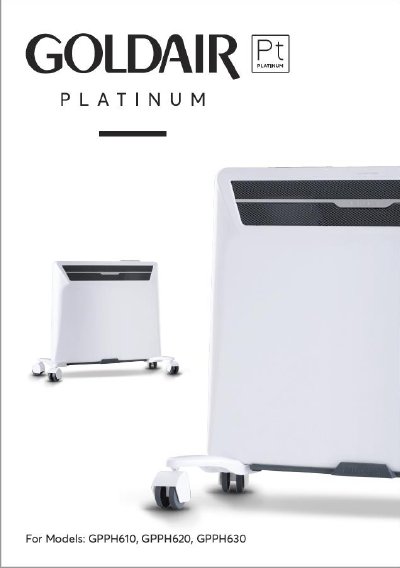
This manual provides safety guidelines and operating instructions for the Goldair Platinum Electronic Panel Heater. It covers installation options including free-standing and wall-mounted setups, safety precautions, and control panel functions. The heater features modes like AUTO, USER, Comfort, and Economy with temperature settings from 5°C to 35°C. Safety warnings include not covering the unit, keeping clearances, and unplugging when not in use.
The control panel includes buttons for power, mode, temperature adjustment, and indicators for comfort, economy, anti-frost, and timer settings. The heater can be set to auto-adjust or manually controlled with five power levels. It is designed for indoor household use only and must be plugged into a 240V AC outlet.
The default temperature setting is 25°C.
Comfort mode can be set from 5 – 35°C and Economy mode from 5 – 31°C.
There are 5 power levels available in USER mode.
Contact the place of purchase or the Goldair Customer Services Team.