
This file is the instructions for Parts Communications Gateway Module Installation Kit, which introduces the use, installation, setup and maintenance methods of the product.
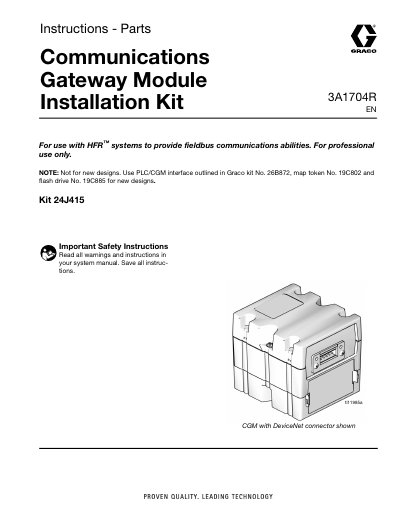
This guide provides step-by-step instructions for installing the Graco 24J415 Communications Gateway Module (CGM) with HFR systems to enable fieldbus communications. It covers mounting, cable connections, setup screens for various fieldbus types (DeviceNet, EtherNet/IP, PROFIBUS, PROFINET), and maintenance including software token upgrades. The document also details available internal data for monitoring and controlling system parameters via PLC inputs and outputs.
| Fieldbus Compatibility | DeviceNet, EtherNet/IP, PROFIBUS, PROFINET |
|---|---|
| Model Number | 24J415 |
| Required Kit | CGM Installation Kit |
It supports DeviceNet, EtherNet/IP, PROFIBUS, and PROFINET fieldbus types.
Install the CGM in the desired location by removing the access cover, mounting the base with screws, mounting the CGM on the base, and attaching the ferrite suppressor to the CAN cable ends.
The CGM provides a control link between the HFR system and a selected fieldbus, enabling remote monitoring and control by external automation systems.