
The Graco 334527A ProGuard+ accessory package manual provides safety warnings, installation steps, operation guidance, and technical specifications.
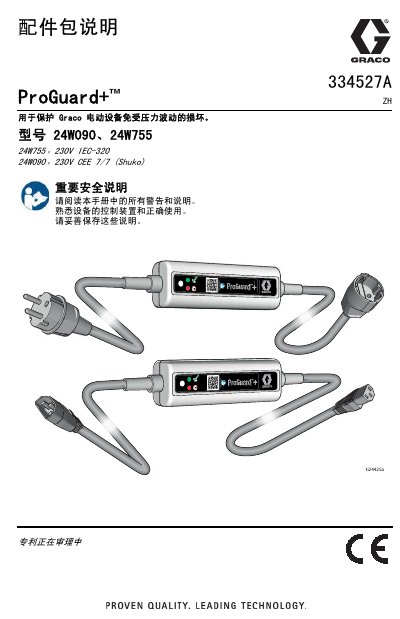
This manual explains the purpose and operation of the ProGuard+ accessory package, which protects Graco electric equipment from voltage fluctuations. It includes safety information, grounding requirements, and detailed LED indicator meanings.
Technical specifications such as rated voltage, current, trip voltages, reset time, dimensions, and plug configurations are listed, along with warranty terms and contact information for Graco support. This manual is written in Chinese.
| Rated voltage | 230 V AC, 50/60 Hz |
|---|---|
| Rated current | 10 A |
| High‑voltage trip level | 280 V AC |
| Low‑voltage trip level | 170 V AC |
| Reset time | 60 seconds |
| Weight | 400 g (0.9 lb) |
| Dimensions | 150 × 50 × 45 mm (6.0 × 2.0 × 1.75 in) |
| Operating temperature range | -34 °C to 46 °C (-30 °F to 115 °F) |
When the LED flashes red, it indicates that the supply voltage is too high or too low and the device has disconnected power.
Wait at least two minutes for the device to reset; if the LED remains red, replace the power source with one that provides the correct voltage.
The device automatically resets after 60 seconds.