
This manual introduces the function and usage of Panamax BlueBOLT-CV2 Interface Card.
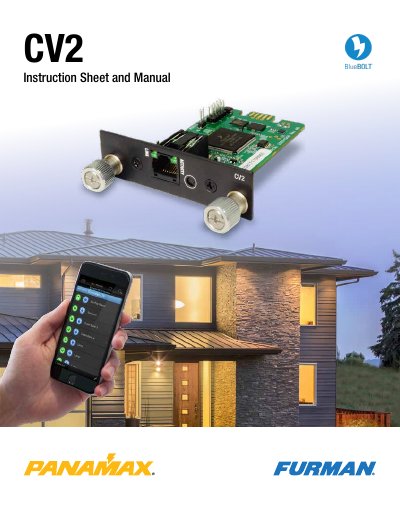
This manual guides users through installing and registering the Panamax BlueBOLT-CV2 interface card, which enables cloud-based remote power management. It includes steps for physical installation, online registration using MAC address and challenge key, and local web-based configuration. The card supports XML-based commands for controlling connected devices like M4315-PRO and M4320-PRO units via Telnet or direct commands.
The manual also details device status queries, outlet control, and password protection setup via the embedded web interface. It provides technical specifications for communication protocols, including port 57010 and XML message structures, and troubleshooting steps for connection issues.
| MAC Address | unique to each card |
|---|---|
| Firmware Version | variable per device |
| Communication Port | 57010 |
| Encryption | AES128 |
Go to www.mybluebolt.com, enter the card’s unique MAC address and challenge key (found on the packaging or card label), and follow on-screen instructions.
The 'Link' light should be solid green, and the 'Activity' light should blink intermittently (green).
Enter the card’s Local IP address into your browser while connected to the same network as the card.