
User manual for the Panamax M4000-PRO Power Management System covering setup, operation, troubleshooting, and safety instructions.
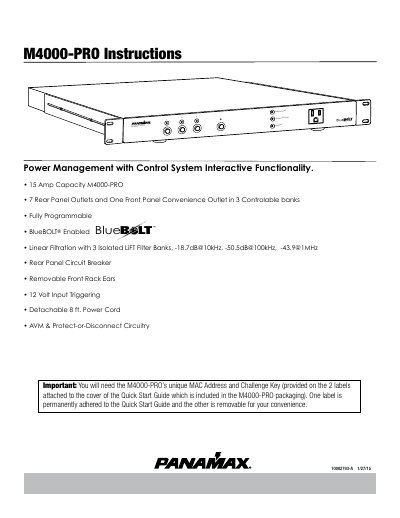
This manual provides instructions for the Panamax M4000-PRO Power Management with Control System, featuring Automatic Voltage Monitoring (AVM), Linear Filtering Technology (LiFT), and BlueBOLT remote control. The device offers 7 rear panel outlets and one front panel convenience outlet organized into three controllable banks.
| Capacity | 15 Amp |
|---|---|
| Outlets | 7 Rear Panel Outlets and One Front Panel Convenience Outlet |
| Filtering | 3 Isolated LiFT Filter Banks |
| Surge Protection | 6,000V open circuit voltage |
| Voltage Trigger | 3.5mm (1/8") mini-mono plug |
Press the button for less than 5 seconds to toggle the corresponding Outlet Bank's ON/OFF state.
It flashes red if the line voltage is less than 95 Vac or greater than 134 Vac.