
Rover Elite Maximum Power Point Tracking Solar Charge Controller User Manual
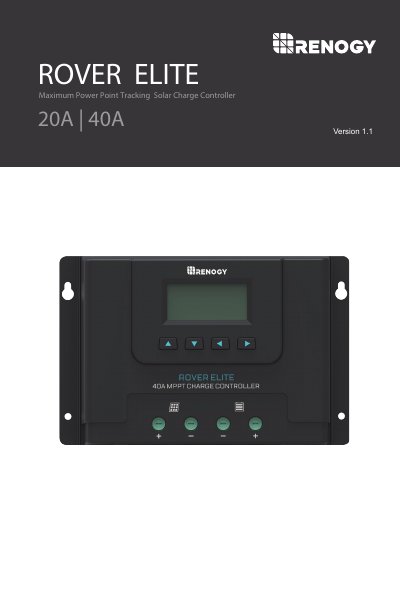
The Renogy Rover Elite is a Maximum Power Point Tracking (MPPT) solar charge controller designed for 12V and 24V off-grid solar applications. It features an advanced tracking algorithm with up to 99% efficiency and supports various battery types, including Lithium-Iron Phosphate (LFP), Gel, Flooded, and AGM. The device includes a backlit LCD display for monitoring system information and identifying error codes.
| Nominal system voltage | 12V/24V Auto Recognition |
|---|---|
| Max Solar Input Voltage | 100VDC |
| Max. Solar Input Power (20A) | 12V @ 260W / 24V @ 520W |
| Max. Solar Input Power (40A) | 12V @ 520W / 24V @ 1040W |
| Conversion efficiency | Up to 99% |
| Battery Types Supported | SLD/AGM, GEL, FLD, LI |
| Operating Temperature | -40°F ~ 176°F |
| Communication | RS485 |
The controller supports Sealed lead-acid, flooded, gel, and lithium batteries, specifically including Lithium-Iron Phosphate (LFP).
No, you must connect the battery first. Never connect solar panels to the controller until the battery is connected.
The maximum input voltage is 100 VDC to prevent permanent damage.
Long press the right arrow for three seconds, then short press the 'Up' arrow to clear the value when it flashes.