
Humminbird APEX and SOLIX Control Head Operations Manual

This manual provides instructions on how to use APEX and SOLIX
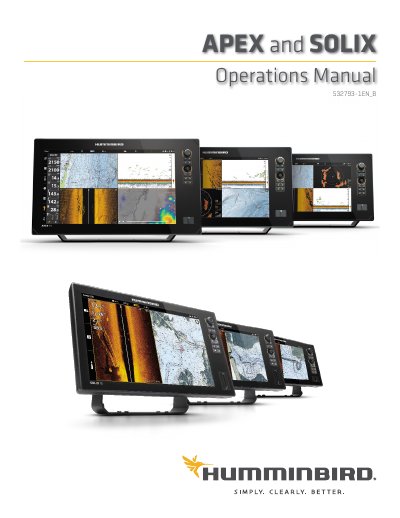

Humminbird APEX and SOLIX Control Head Operations Manual - cover page
Brand
Humminbird
Category
Other Electronics
Document type
User Manual
Language
English
Pages
299
File format
PDF
File size
32.6 MB
Published
21 October, 2023
Updated
21 October, 2023
MD5 checksum
DA28AFB4702B01B5A54F88971E7A6AE5

About this manual

This document serves as the operations manual for the Humminbird APEX and SOLIX control heads. It details the functions of the CrossTouch interface, which allows users to operate the device using both the touch screen and keypad. The guide covers essential setup procedures, including power management, software updates, and network configuration.

What's inside

  • Introduction
  • The APEX/SOLIX Control Head
  • Power On/Off
  • Getting Started
  • The Home Screen
  • Navigation
  • Sonar Overview
  • Radar Overview
  • Installation Information
  • Specifications

Specifications

Product TypeControl Head
Interface TypeCrossTouch
ManufacturerJohnson Outdoors Marine Electronics, Inc.

Frequently asked questions

What is required to use some features shown in this manual?

Some features require a separate purchase, such as MEGA 360, Radar, or AIS.

How can I update the software on my unit?

You can update the software by visiting the Humminbird website to register products and update control head software.

Can I use the manual on a mobile device?

Yes, you can download the manual to your mobile device using the Adobe Acrobat Reader app.

Download PDF (32.6 MB)

More Humminbird Manuals


View all Humminbird manuals →