
Key facts
- Manuals
- 6
- Languages
- EN · FR
- Last added
- 2023-10-21
Featured Humminbird manuals
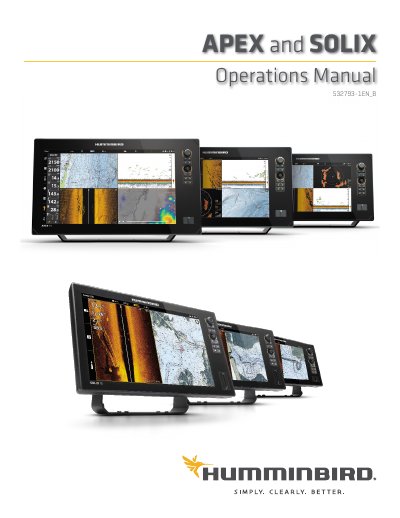
Humminbird APEX and SOLIX Control Head Operations Manual
This document serves as the operations manual for the Humminbird APEX and SOLIX control heads. It details the functions of the CrossTouch interface, which allows users to operate the device using both the touch screen and keypad. The guide covers essential setup procedures, including power management, software updates, and network configuration.
Covers: Introduction · The APEX/SOLIX Control Head · Power On/Off · Getting Started · The Home Screen · Navigation
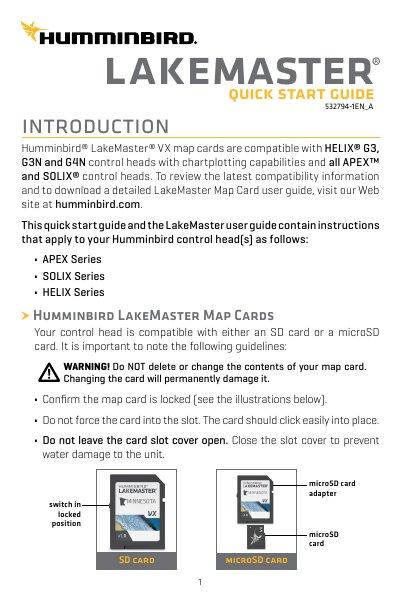
Humminbird LakeMaster VX map card quick start guide
This guide helps you install and use Humminbird LakeMaster VX map cards on compatible control heads like HELIX G3, G3N, G4N, APEX, and SOLIX. It covers power on, software updates, chart view setup, water level offset, safe depth, depth highlights, and troubleshooting. The map card is designed for use with Humminbird control heads only and must not be formatted or used to store data to avoid permanent damage.
The guide also includes warnings about not deleting or changing card contents, not using the card to store data, and not formatting the card. It provides compatibility information and links to download full user guides and software updates from humminbird.com.
Covers: Getting Started · Chart View · Water Level Offset · Safe Depth · Depth Highlights · SmartStrike
Humminbird PRO 128 Fishfinder Operations Manual
The Humminbird PRO 128 fishfinder utilizes dual frequency, dual beam sonar technology to locate underwater objects and define bottom terrain. It transmits a narrow 200 kHz beam for detailed bottom mapping and a wide 83 kHz beam for detecting fish presence over a larger area. The unit features a 128 V x 64 H matrix FSTN LCD display designed for clear visibility in various light conditions and temperatures.
Covers: Using the PRO Tracker Unit · How Sonar Works · Simulator Operation · What You See On Screen · Control Functions · Menu Functions
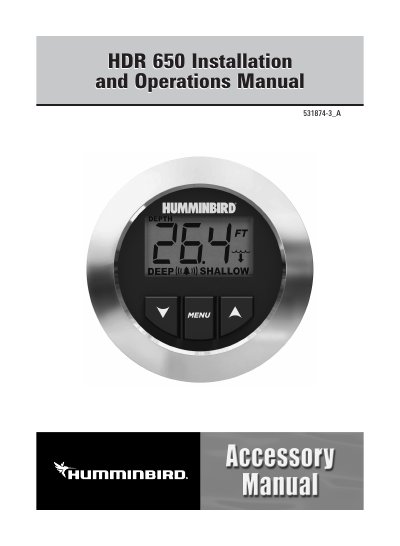
Humminbird HDR 650 Installation and Operations Manual
The Humminbird HDR 650 is a digital depth sounder that uses sonar technology to determine water depth directly below the transducer. The device consists of a control head unit and a transducer mounted beneath the water surface. This manual covers the complete installation process, from locating the mounting position on the boat to connecting the power supply and testing the system.
Covers: How Sonar Works · Installation Overview · Installing the HDR 650 · Operating the HDR 650 · Maintenance · Troubleshooting
Latest Humminbird manuals
Humminbird APEX and SOLIX Control Head Operations Manual
User Manual 299 pages · 32.6 MB · ENThis manual provides operating instructions for the Humminbird APEX and SOLIX control heads, covering navigation, sonar, radar, and autopilot features.
Humminbird LakeMaster VX map card quick start guide
Quick Start Guide 12 pages · 1.4 MB · ENQuick start guide for installing and using Humminbird LakeMaster VX map cards on compatible control heads.
Humminbird PRO 128 Fishfinder Operations Manual
User Manual 30 pages · 411 KB · ENThis manual provides operating instructions for the Humminbird PRO 128 fishfinder, covering sonar technology, display interpretation, control functions, and…
Humminbird HDR 650 Installation and Operations Manual
User Manual 26 pages · 665 KB · ENThis manual provides installation instructions and operating procedures for the Humminbird HDR 650 Digital Depth Sounder, including mounting, wiring, and…
Humminbird Talon Shallow Water Anchor Accessory Manual
User Manual 42 pages · 4.1 MB · ENThis manual covers the setup, operation, and troubleshooting of the Humminbird Talon shallow water anchor system when paired with compatible Humminbird fish…
Humminbird Talon Anchor Deployment Manual
User Manual 42 pages · 4.1 MB · FRFrench user guide for deploying and retracting the Humminbird Talon anchor using the fishfinder, GPS navigation, or the One-Boat Network app.
Which document do I need?
User Manual
Day-to-day operation, settings and troubleshooting. Start here if the product is already set up.
Quick Start Guide
The shortest path to a working setup, usually only a few pages.
Questions answered in Humminbird manuals
What is required to use some features shown in this manual?
Some features require a separate purchase, such as MEGA 360, Radar, or AIS.
From: Humminbird APEX and SOLIX Control Head Operations Manual
How can I update the software on my unit?
You can update the software by visiting the Humminbird website to register products and update control head software.
From: Humminbird APEX and SOLIX Control Head Operations Manual
How can I view maps on my control head when I am not on the water?
Power on the control head. Select Start Simulation (APEX/SOLIX) or Simulator (HELIX). Open a chart view and move the cursor to your desired position on the chart.
Can I view the Humminbird LakeMaster map card on my computer?
No, the Humminbird LakeMaster map card is not compatible with your computer. It is only compatible with your Humminbird control head.
How do I start the simulator mode?
You can start the simulator by pressing and holding the POWER button for approximately three seconds until you hear a continuous chirp, or by selecting the Simulator option on the start-up screen.
What happens if I change settings in simulator mode without a transducer?
If no transducer is connected, any selected options are lost when the unit is powered off, and the unit returns to Factory Settings.