
This file is about Humminbird LakeMaster VX map card quick start guide.
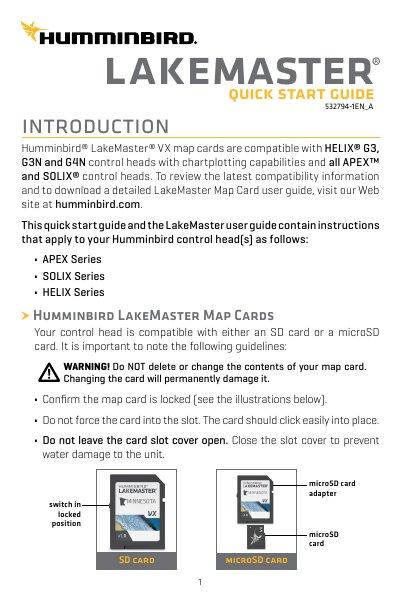
This guide helps you install and use Humminbird LakeMaster VX map cards on compatible control heads like HELIX G3, G3N, G4N, APEX, and SOLIX. It covers power on, software updates, chart view setup, water level offset, safe depth, depth highlights, and troubleshooting. The map card is designed for use with Humminbird control heads only and must not be formatted or used to store data to avoid permanent damage.
The guide also includes warnings about not deleting or changing card contents, not using the card to store data, and not formatting the card. It provides compatibility information and links to download full user guides and software updates from humminbird.com.
Power on the control head. Select Start Simulation (APEX/SOLIX) or Simulator (HELIX). Open a chart view and move the cursor to your desired position on the chart.
No, the Humminbird LakeMaster map card is not compatible with your computer. It is only compatible with your Humminbird control head.
Confirm GPS reception. Confirm the control head software is up to date. Confirm compatibility on our Web site at humminbird.com.