
This manual introduces the function features, operating steps and precautions of Allied Time AT-5000 Fingerprint & RFID Calculating Time Recorder.
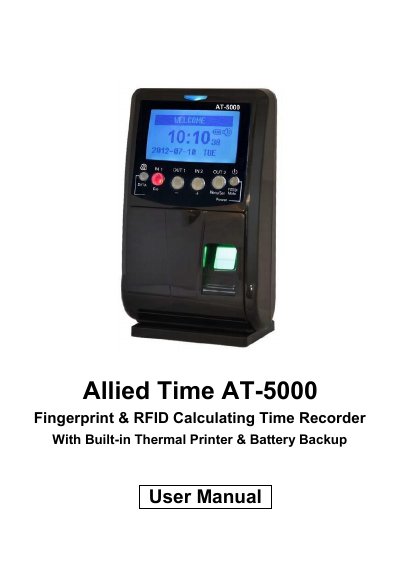
The Allied Time AT-5000 is a biometric time clock designed for small businesses, allowing employees to record punches via fingerprint scan or RFID card. It features a built-in thermal printer and battery backup, supporting up to 200 users and 1,000 fingerprints with a storage capacity of 90,000 data records. The device calculates total hours worked based on actual punch times and supports various shift configurations.
| User capacity | 200 users |
|---|---|
| Storage capacity | 90,000 data |
| Fingerprint storage | 1,000 fingerprints |
| Active scan area | 16x16mm |
| Power supply | DC 9V 2.5A |
| Machine dimensions | 196mm(h)×120mm(w)×62mm(d) |
The device supports a maximum of 200 employees.
The clock can store up to 90,000 data records.
Navigate to Manage User, select the user, and press the finger firmly twice until the clock displays 'Enrolled'.
Yes, employees can record punches via Biometric Finger Scan or via RFID Card.